| SpaceClaim Online Help |
|
The Modify group contains tools for combining, splitting, shelling, thickening, and scaling mesh bodies. You can also modify the number of mesh triangles to optimize the 3D printing process (more triangles means longer printing time).
Combining mesh bodies is done using Boolean operations.

In the Boolean tools, keep in mind the following:
but the second is not|
|
|
|
|
|
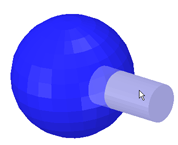
First selection is blue |
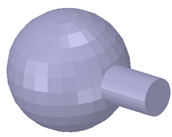
Merge result |
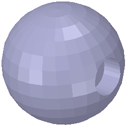
Subtract result |
Intersection result |
The Merge tool also works on two Open meshes to automatically create the union that produces a single, closed mesh.
toolPatterned components are up-selected in the Boolean tools. In the example below, the cylinders were made as a pattern. Highlighting one pattern member highlights the entire pattern.

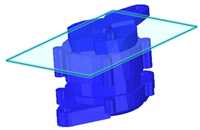
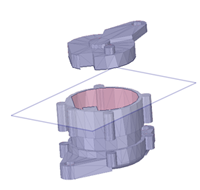
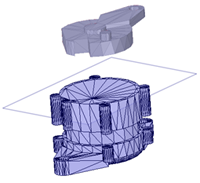
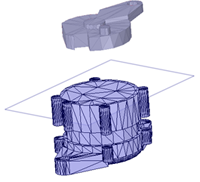
Use the Split tool to divide a mesh body using a cutter.
1. Click the Split tool
2. Select a mesh body
3. Choose a Cap option (see images below)
4. Select a plane, or surface, to use as a cutter
5. The mesh is split into two separate mesh bodies
|
|
|
|
|
|
Mesh and Cutter selected |
No Cap |
Cap |
Cap With Internal Points |
Use the Shell tool to add thickness on the inside or outside of a mesh.
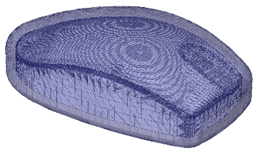
toolChange the thickness and direction using the Options panel.
mesh type - Inside or Outside is added and a new mesh body is shown in the Structure Tree
Use the Scale tool to scale the mesh body.
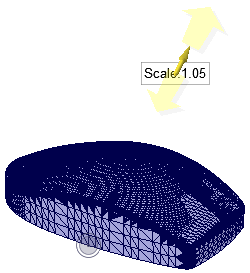
tool to scale non-uniformly.
Use the Thicken tool to add thickness to a surface mesh.
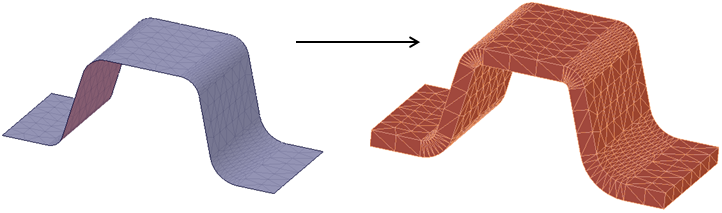
Thicken has the following options:
Thickness
© Copyright 2014 SpaceClaim Corporation. All rights reserved.